AdministratorAccess but No Billing Access
--Introduction
I set up IAM Identity Center (formerly AWS SSO), signed in with the AdministratorAccess permission set, and opened Cost Explorer — access denied. Everything else worked; only the costs were invisible. Here’s what was going on.
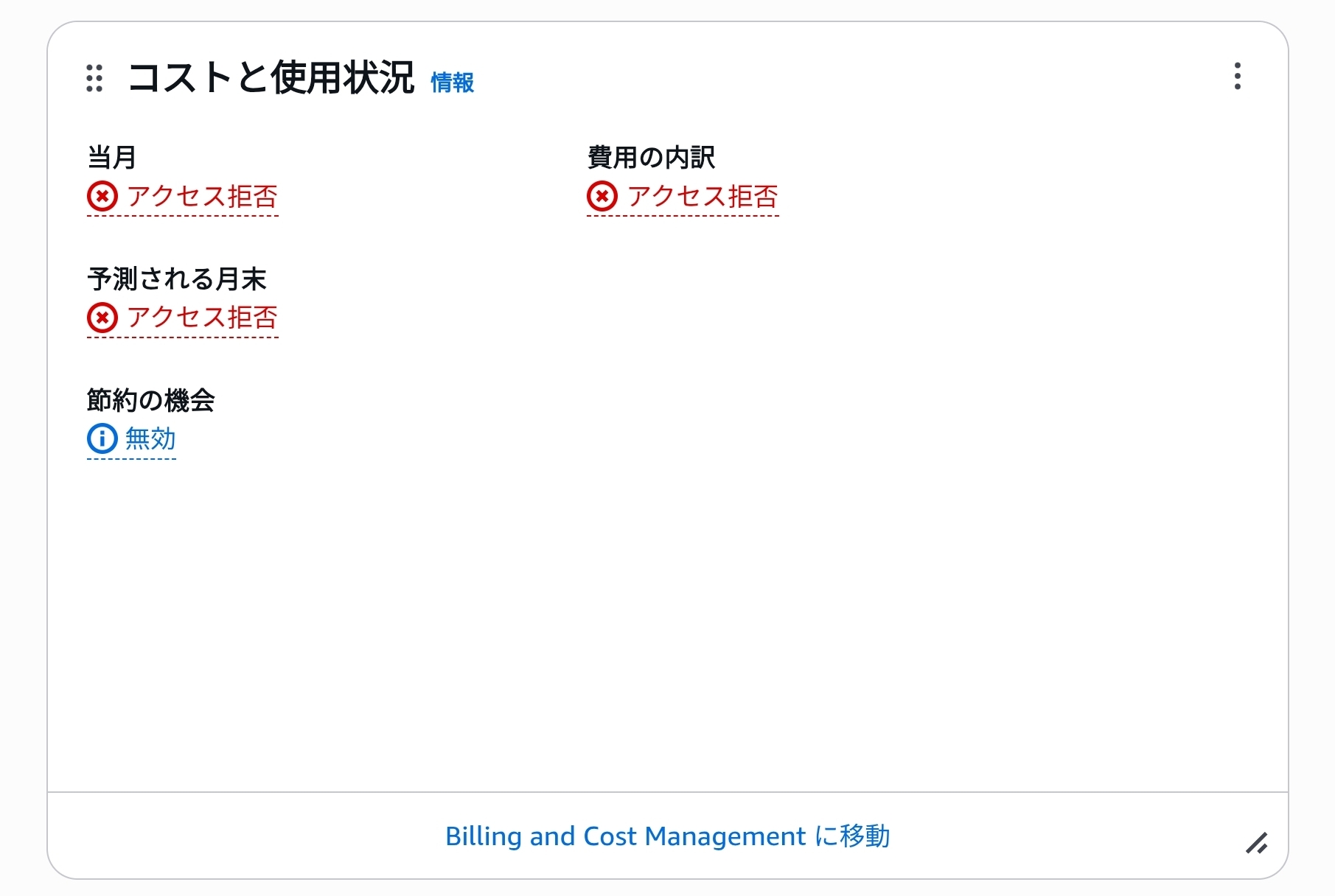
TL;DR
By default, AWS blocks the Billing and Cost Management console for every IAM role — including SSO permission sets, including AdministratorAccess. The account’s root user must enable one setting:
Account settings → IAM user and role access to Billing information → Edit → Activate IAM AccessNo policy you attach can substitute for it.
This is documented behavior, straight from the official docs: “IAM users and roles in an AWS account can’t access the Billing and Cost Management console by default. This is true even if they have IAM policies that grant access to certain Billing features. To grant access, the AWS account root user can use the Activate IAM Access setting.” The evaluation for billing pages is effectively:
- Account-level billing access activated (a root-account setting, default OFF)
- An IAM policy allows the billing actions
A permission set is just an IAM role under the hood, so the first setting blocks SSO sign-ins all the same.
The fix
-
Sign in to the AWS console as the root user on the AWS sign-in page.
-
Open Account settings (click the account name in the top-right corner, then Account).
-
Scroll to IAM user and role access to Billing information, click Edit, check Activate IAM Access, and save. Deactivated by default, as shown here:

-
Sign out of root and sign back in through your SSO portal as usual.
-
Cost Explorer works now.
You can isolate the cause from the CLI. The docs are explicit that the switch controls the console only — the Billing and Cost Management SDK APIs (Cost Explorer included) are not gated by it, so a role with the right permissions can always call the API:
aws sso login
aws ce get-cost-and-usage \
  --time-period Start=2026-08-01,End=2026-08-24 \
  --granularity MONTHLY \
  --metrics UnblendedCost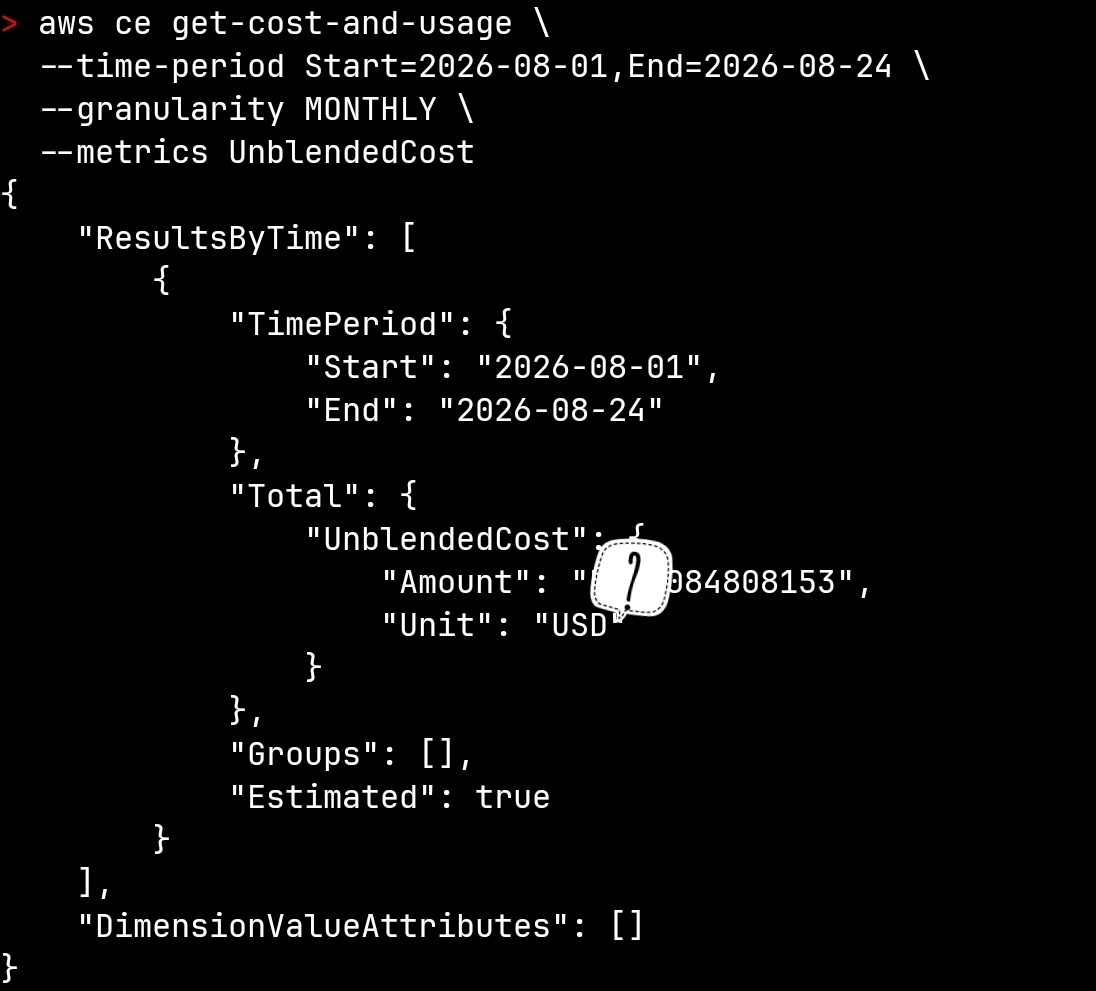
If this returns numbers while the console refuses you, the switch is exactly your problem — only the console is blocked. If it returns AccessDeniedException instead, the switch isn’t the culprit: your role’s IAM policy is missing permissions like ce:*.
Closing
It turns out the root user owns an account-level setting that decides whether IAM users and roles can see billing information at all. Even AdministratorAccess sees nothing while that switch is off. Funny that the CLI can still see the numbers.