AWS Blocks: A New Toolkit from AWS That Looks Promising — My First Impressions
--AWS Blocks was announced as a new toolkit from AWS on June 17, 2026!
 https://aws.amazon.com/jp/about-aws/whats-new/2026/06/aws-blocks-preview/
After reviewing the official documentation’s What is AWS Blocks?, I felt that this toolkit is strongly designed with AI-driven development in mind.
-
Type-safe development: Types defined on the backend can be shared directly with the frontend
-
AI-friendly: Structures like npm package Steering files make it easy for AI to understand
-
Local-first: No AWS account required for local development, enabling fast iteration and validation by AI
After local validation, you can seamlessly deploy to AWS using the automatically generated AWS CDK code.
Getting Hands-On
An official sample application was provided, so I tried it out hands-on.
1. Local Setup
Running the following commands starts a Todo application in your local environment.
npm create @aws-blocks/blocks-app@latest my-app
cd my-app
npm install
npm run dev
2. Deploying to AWS
To deploy and test on AWS, use the following command. Since it uses AWS CDK internally, make sure to run npx cdk bootstrap beforehand.
npm run sandboxThis command runs the application with the frontend locally and only the backend hosted on AWS.
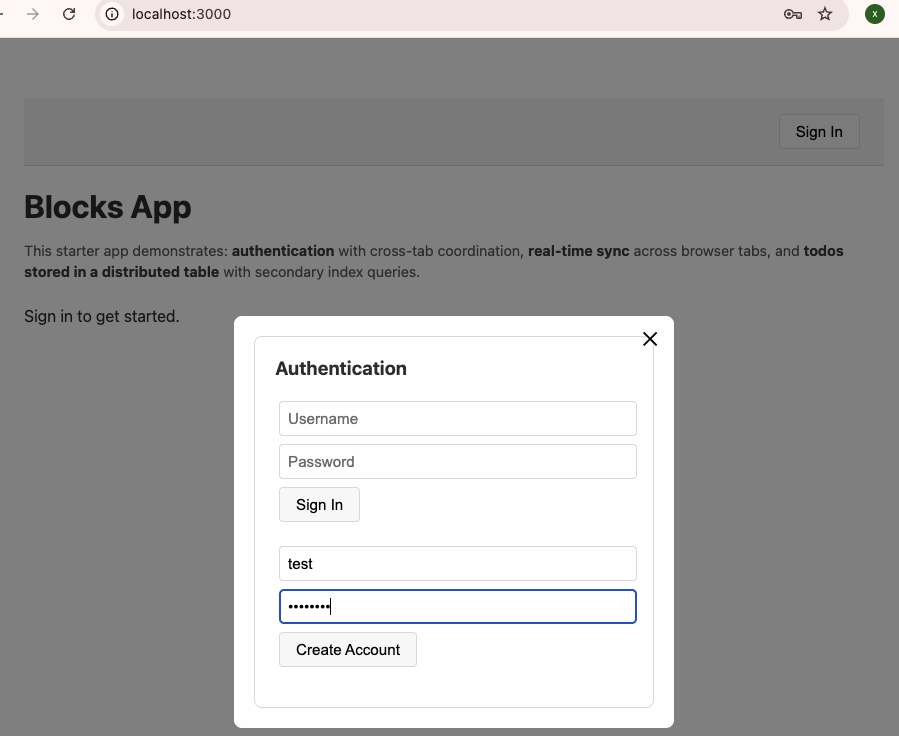
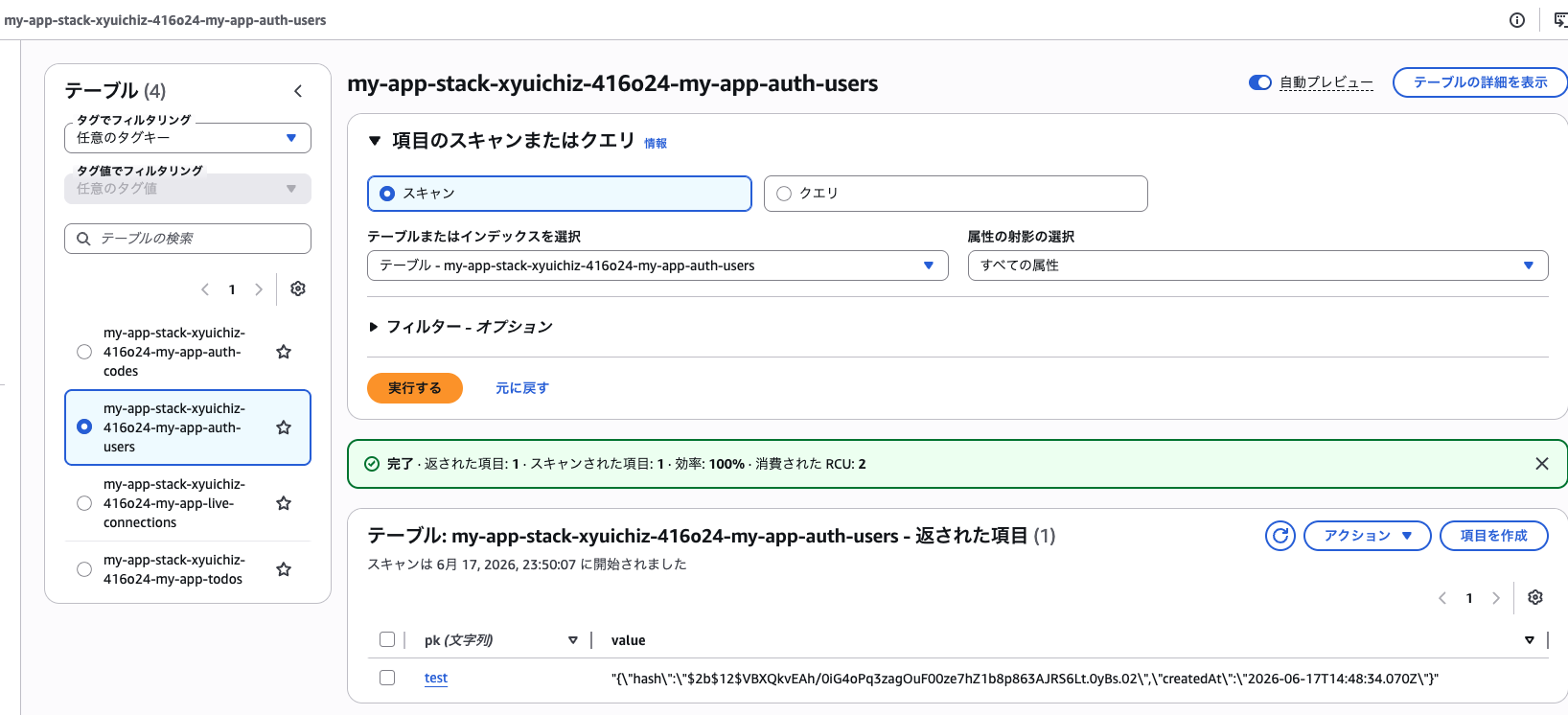
When I tried logging in with the sample app, I confirmed that the authentication data was correctly added to DynamoDB.
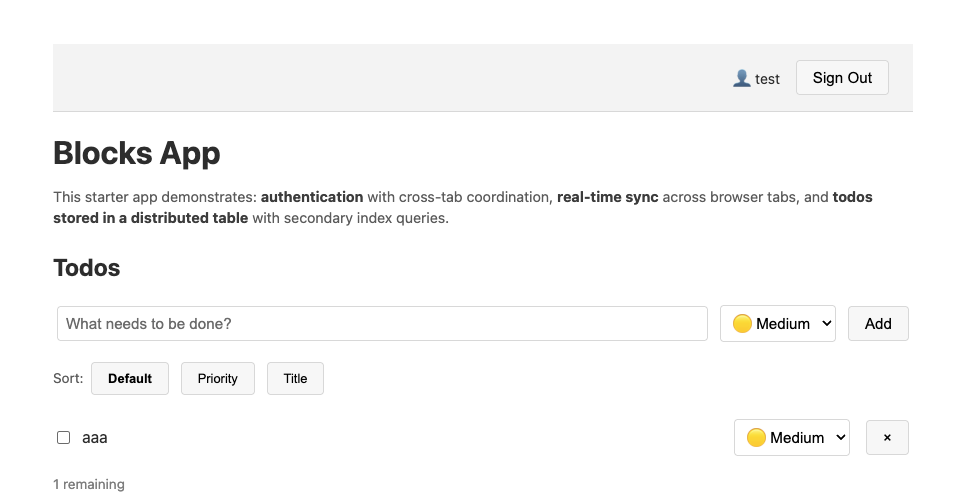
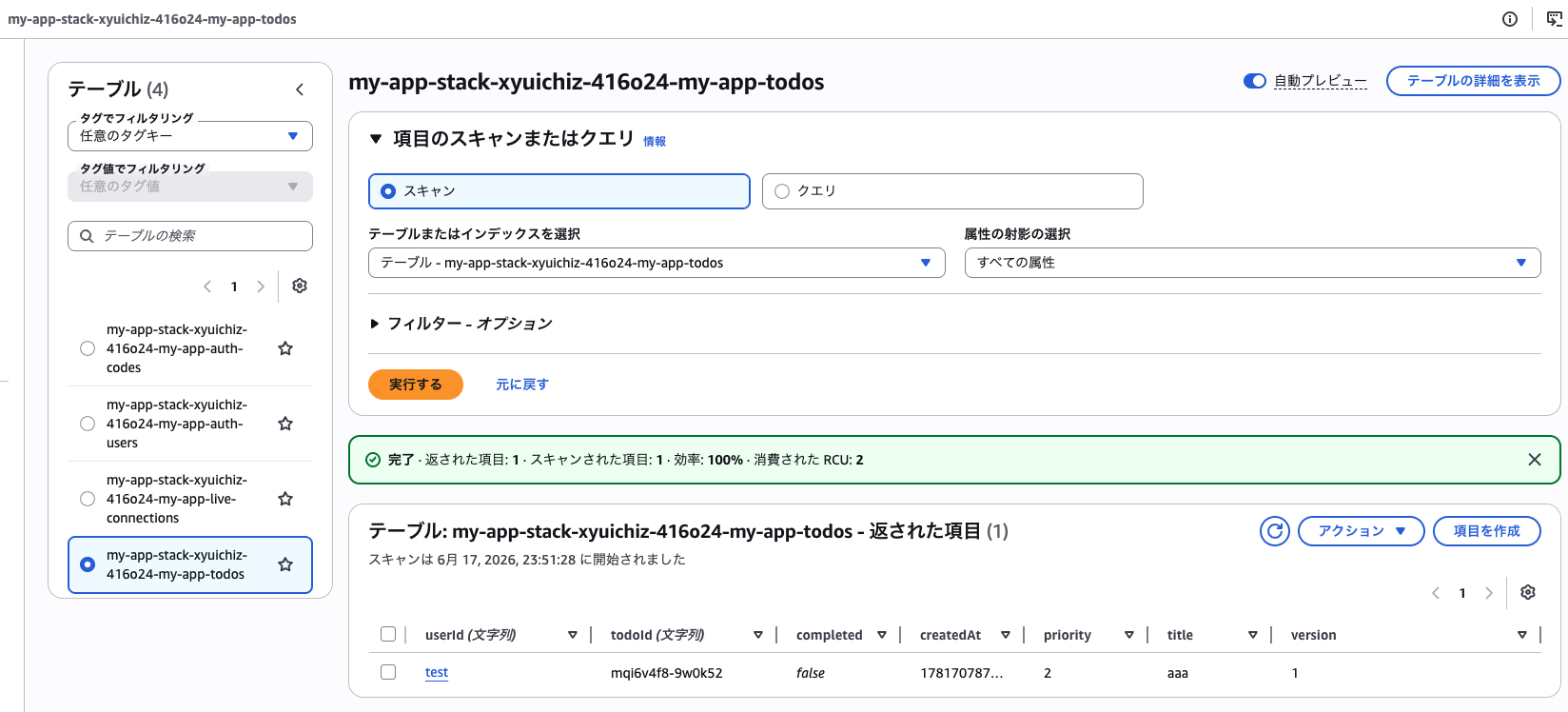
Furthermore, when I interacted with the Todo app, data was reflected in real-time on the backend (AWS side).
How AWS Blocks Works and Supported Components
What makes AWS Blocks interesting is that Blocks declared in code act as an abstraction layer that absorbs the differences between development and production (AWS) environments. During local development, infrastructure runs on your machine, but in production, CDK creates resources following AWS best practices.
 https://docs.aws.amazon.com/blocks/latest/devguide/concepts.html
The basic architecture appears to be: backend code is deployed to AWS Lambda, and each Block’s resources are accessed from Lambda via the AWS SDK.
The following Blocks were used in the sample app:
AuthBasic: Authentication using JWT sessionsDistributedTable: Amazon DynamoDBRealtime: WebSocket
Many other AWS services are already supported as well. It’s interesting to see Amazon Aurora DSQL supported from the start.
| Block Name | Corresponding AWS Service / Feature |
|---|---|
| Database | Full-featured PostgreSQL, Amazon Aurora Serverless v2 |
| DistributedDatabase | Amazon Aurora DSQL |
| FileBucket | Amazon S3 |
| AuthCognito | Amazon Cognito |
| Agent | Agent functionality using Amazon Bedrock |
| Realtime | API Gateway (WebSocket) |
| AsyncJob | Background jobs with SQS + Lambda |
The full list of Blocks can be found in the official documentation.
Differences from Amplify
AWS Amplify is a set of tools and services for building full-stack applications. AWS Blocks and Amplify are complementary. Amplify provides hosting, CI/CD, and a managed backend experience, while AWS Blocks focuses on type-safe infrastructure-from-code with local-first development. For more information, see the Amplify documentation.
They are not competitors — Amplify provides hosting, CI/CD, and a managed backend, while AWS Blocks handles type-safe infrastructure generation from code with local-first development.
Conclusion
The ability to develop locally while automatically exporting to familiar AWS CDK feels extremely powerful, especially for AI-driven development. Although it’s still in preview, I could feel its potential after actually trying it out.
The following pages in the official documentation are also helpful:
-
Implementation examples with AWS Blocks: Examples
-
Security considerations for production: Security
-
Design and development best practices: Best Practices
- The very last section covers development practices with AI Agents